![]() |
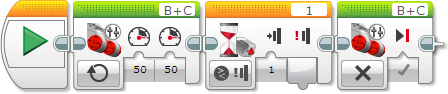
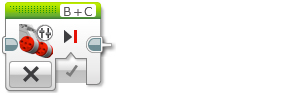
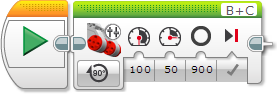
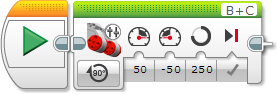
The Move Tank block can make a robot drive forward, backward, turn, or stop. Use the Move Tank block for robot vehicles that have two Large Motors, with one motor driving the left side of the vehicle and the other the right side. You can make the two motors go at different speeds or in different directions to make your robot turn. |


| Rotations | Degrees |
|---|---|
| 1 | 360 |
| 2 | 720 |
| 0.5 | 180 |
| 1.25 | 450 |
| 7.2 | 2592 |

| Input | Type | Allowed Values | Notes |
|---|---|---|---|
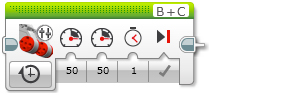
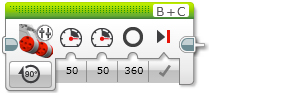
| Power Left | Numeric | -100 to 100 | Motor power level for the left motor. See Motor Power and Direction. |
| Power Right | Numeric | -100 to 100 | Motor power level for the right motor. See Motor Power and Direction. |
| Brake at End | Logic | True/False | Applies when the block finishes. If True, the motors are stopped immediately and held in position. If False, motor power stops and the motors are allowed to coast. |
| Seconds | Numeric | ≥ 0 | Movement time in seconds. |
| Degrees | Numeric | Any Number | Amount of movement amount in degrees. 360 degrees make a full rotation. |
| Rotations | Numeric | Any Number | Amount of movement in rotations. |